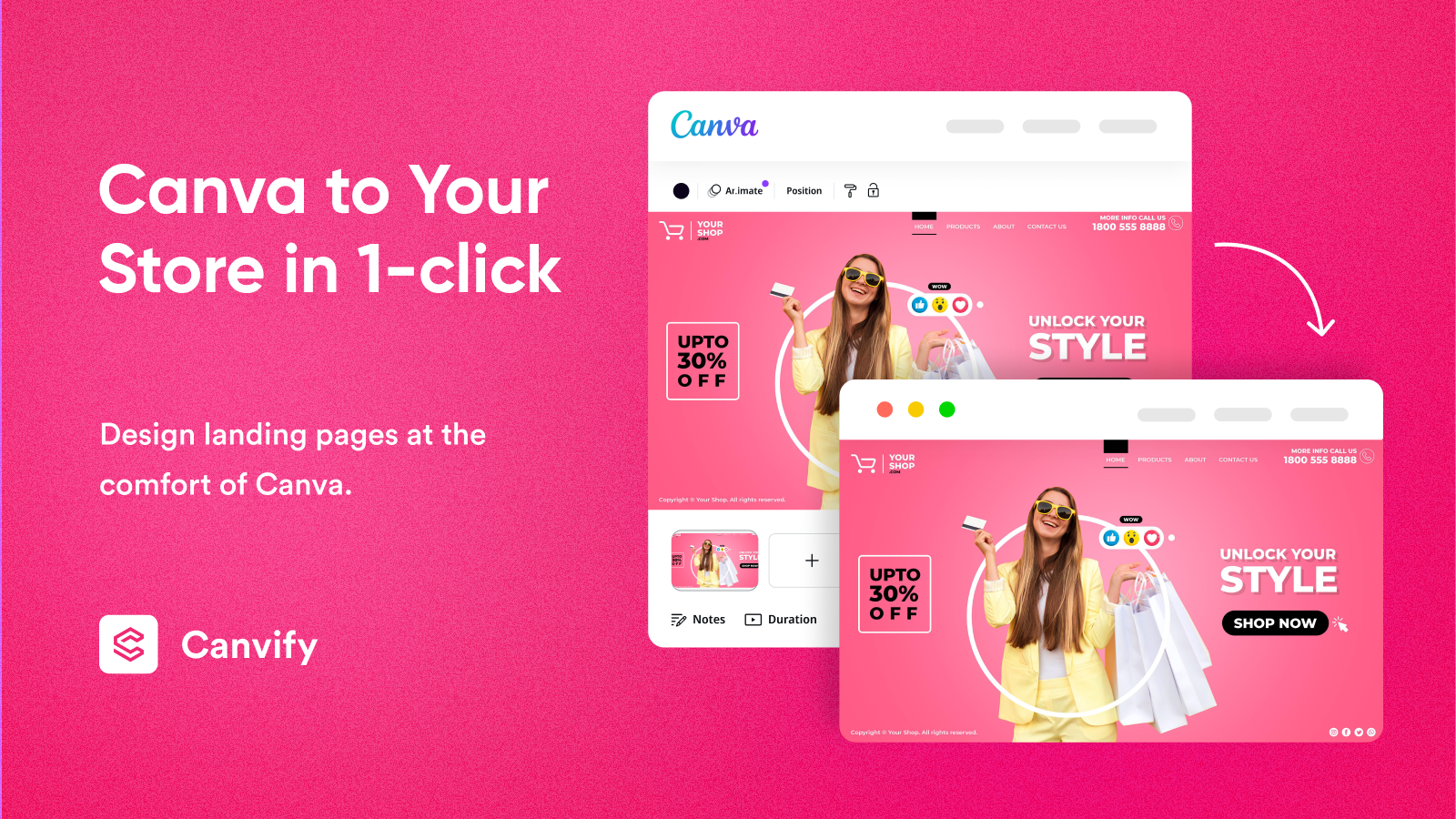
Design in Canva. Publish to Shopify in minutes. Start free →
Start Free →
Canvify - Build Shopify pages from Canva designs
The Canva to Shopify Tool

Your Canva design.
Live on Shopify, instantly.

Canvify turns your Canva designs into native Shopify pages. No coding, no page builder headaches, no developer. You design it, we publish it.

0
Lines of code
required
100%
Mobile
optimised output
Native
Shopify pages,
not embeds
Built in UK
By Nofuss,
Reading
Design your Shopify page in Canva
3
Steps to live
The Workflow

Design once.
Publish anywhere.

  1. 1

    Design in Canva

    Use Canva the way you already do. Pick a ready-made Canvify template or build from scratch. Pixel-perfect, no constraints.

  2. 2

    Connect to Canvify

    Install the Canvify app from the Shopify App Store. One-click connection to your Canva account, nothing to configure manually.

  3. 3

    Publish to Shopify

    Select your design inside Canvify, hit publish. Your Canva layout becomes a native Shopify page, live and mobile-ready.

What You Get

Everything a page builder gives you. None of the friction.

Canvify is built for store owners who already know Canva. Stop learning new tools. Start shipping better pages.

📄

Native Shopify Pages

Your designs land as real Shopify pages, not iframes or embeds. Full SEO indexability, full theme compatibility, no performance penalty.

🔨

Zero Code Required

Create and publish Shopify pages without writing a single line of HTML, CSS, or Liquid. If you can use Canva, you can use Canvify.

🎨

Ready-Made Templates

Dozens of templates built for real ecommerce use cases: landing pages, product launches, sales campaigns, seasonal promotions, and more.

📱

Mobile Optimised Output

Every page Canvify publishes is fully responsive. Your design adapts cleanly to any screen, tablet or phone, without extra work from you.

💪

No Developer Needed

You are the power. Canvify is purpose-built for founders, marketers, and merchants who want creative control without an agency on retainer.

Instant Iteration

Update your Canva design, republish. Changes go live in seconds, not hours. Spin up new campaign pages as fast as you can think of them.

Why Canvify

Canvify vs every other way to build a Shopify page.

No page builder learning curve. No developer invoice. Just your Canva design, live on Shopify.

Canvify
Page Builders
Hire a Dev
Design tool
Canva (you already know it)
Proprietary drag-and-drop
Figma/custom
Time to first page
Minutes
Hours (learning curve)
Days to weeks
Code required
None
Sometimes
Yes
Monthly cost
Low flat rate
$29 to $299+
$500 to $5000+
Native Shopify output
Yes
Partial / embedded
Yes
Mobile optimised
Automatic
Manual
Manual
Ready-Made Templates

Launch faster with a template.

Professionally designed Canva templates built for Shopify. Every one is editable, every one is ready to publish through Canvify.

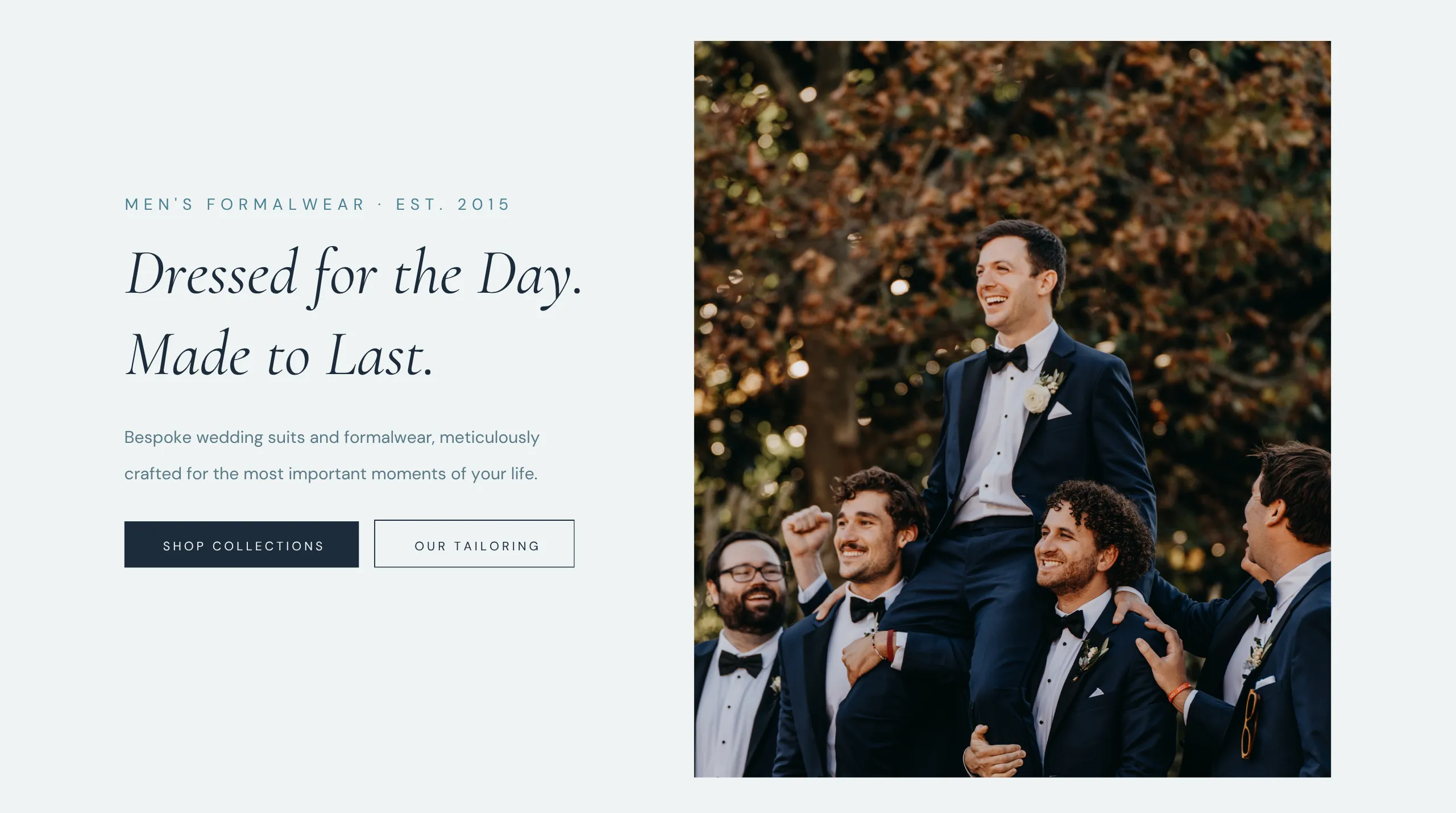
Bridal dress landing page Canva template for Shopify
Bridal / Fashion

Wedding Dress Store

A sophisticated template for bridal boutiques and wedding fashion brands. Conversion-focused layout built for visual storytelling.

Free with Canvify Use template
Ecommerce product launch Canva template for Shopify
Product Launch

Launch Page

Bold, clean, and designed to convert. Drop your product images in, update the copy, and you have a launch-ready Shopify page in minutes.

Free with Canvify Use template
Marketing landing page Canva template for Shopify
Marketing / Sales

Campaign Landing Page

Built for seasonal sales, flash promotions, and email campaigns. Full-bleed imagery, prominent CTA, zero distractions.

Free with Canvify Use template
Browse All Templates
Merchant Reviews

Merchants love Canvify.

Real words from real store owners. No cherry-picking, no agency clients.

★★★★★
If you're looking to elevate your Shopify store's design without the usual page builder headaches, Canvify is the perfect solution.
Shopify Merchant Verified App Review
★★★★★
Super easy to use right out of the gate, but it has all the power we need for more complex pages to convert.
Shopify Merchant Verified App Review
★★★★★
As a fiction author with a Shopify store, I struggled to make sales pages that felt like me. Canvify is simple, intuitive. Game changer.
Fiction Author / Store Owner Verified App Review
★★★★★
Cost is much much lower than other page builders for Shopify. It's really easy to make pages using Canva.
Shopify Merchant Verified App Review
★★★★★
Easiest way to convert Canva pages to Shopify. A+ support for any technical issues!
Shopify Merchant Verified App Review
★★★★★
Brilliant app and incredible customer service. I can create my dream website with full creative freedom.
Shopify Merchant Verified App Review
Getting Started

From install to live page in four steps.

Canvify is up and running on your Shopify store in under ten minutes. Here's what that looks like.

01

Install Canvify

Add Canvify from the Shopify App Store. Free to start, no credit card required on install.

02

Connect Canva

Authorise your Canva account with one click. Your designs and templates are available immediately.

03

Pick Your Design

Start from a Canvify template or import an existing Canva design. Customise freely inside Canva.

04

Publish Live

Hit publish inside Canvify. Your page goes live on Shopify as a native, mobile-ready page in seconds.

Start Today

Stop waiting on developers.
Ship your pages yourself.

Canvify is free to install on Shopify. Design your first page in Canva, publish it today, see it live before you close your laptop.

FAQ

Common questions, straight answers.

If your question isn't here, reach out directly through the Canvify app or via the contact below.

Does Canvify work with any Shopify theme?

Yes. Because Canvify publishes native Shopify pages, they sit inside your existing theme structure. Your navigation, header, and footer all stay intact. The page content itself is what Canvify controls.

Do I need Canva Pro to use Canvify?

No. Canvify works with both Canva Free and Canva Pro accounts. Some advanced Canva elements require Canva Pro on your end, but Canvify itself has no Canva tier requirement.

Are the published pages actually mobile optimised?

Yes. All pages published through Canvify are responsive and mobile-friendly by default. You don't need to build a separate mobile version of your design.

Can I update a page after it's published?

Absolutely. Edit your Canva design and hit republish in Canvify. Your Shopify page updates instantly. Changes can go live in seconds, which is one of the biggest advantages over traditional page builders.

Is Canvify built for Shopify only, or other platforms too?

Canvify is purpose-built for Shopify. The native Shopify page output, the app store integration, and the template library are all designed specifically for Shopify merchants.

What kinds of pages can I build with Canvify?

Landing pages, product feature pages, campaign pages, about pages, seasonal promotional pages, and more. If you can design it in Canva and it suits a Shopify page format, Canvify can publish it.

How is Canvify different from other Shopify page builders?

Most page builders ask you to learn a new editor. Canvify uses Canva, which millions of people already know. The result is a dramatically shorter learning curve, faster iteration, and output that is genuinely native Shopify, not a third-party embed.

About Canvify

Built by Nofuss.
Based in Reading, UK.

Canvify is a product by Nofuss, a small team of builders who got tired of watching great merchants struggle with clunky page builders and expensive developer retainers. We built the tool we wanted to exist.

The idea is simple: Canva is already the design tool millions of people use every day. Shopify is already the commerce platform they sell on. Canvify is the bridge. No friction, no new tools to learn, no invoices to approve.

Reading, UK Where we're based
Abdullah Shahid Product lead
Canvify team building the product
From the Blog

Written by the humans behind Canvify.

Practical guides and honest takes on Canva, Shopify, and ecommerce design. No filler.

Canva ecommerce with Shopify guide
Ecommerce Guide · 12 min read

Canva Ecommerce Explained: Payments, SEO, Shopify and What Actually Works

Can Canva handle payments? Is it good for ecommerce? Where does Shopify fit in? The real breakdown, no fluff.

Read the article
Bridal dress Canva template for Shopify
Template Spotlight · 4 min read

Bridal Wedding Dress Canva Landing Page Template for Shopify

How a bridal boutique can launch a full Shopify landing page in under an hour using a Canvify template.

Read the article
Canvify blog - Canva to Shopify guides
Design Notes · 5 min read

The Canva + Shopify Stack: Why Smart Ecommerce Brands Use Both

Canva and Shopify do different jobs. Here's how the world's sharpest ecommerce teams use them together, and how Canvify connects the two.

Read the article